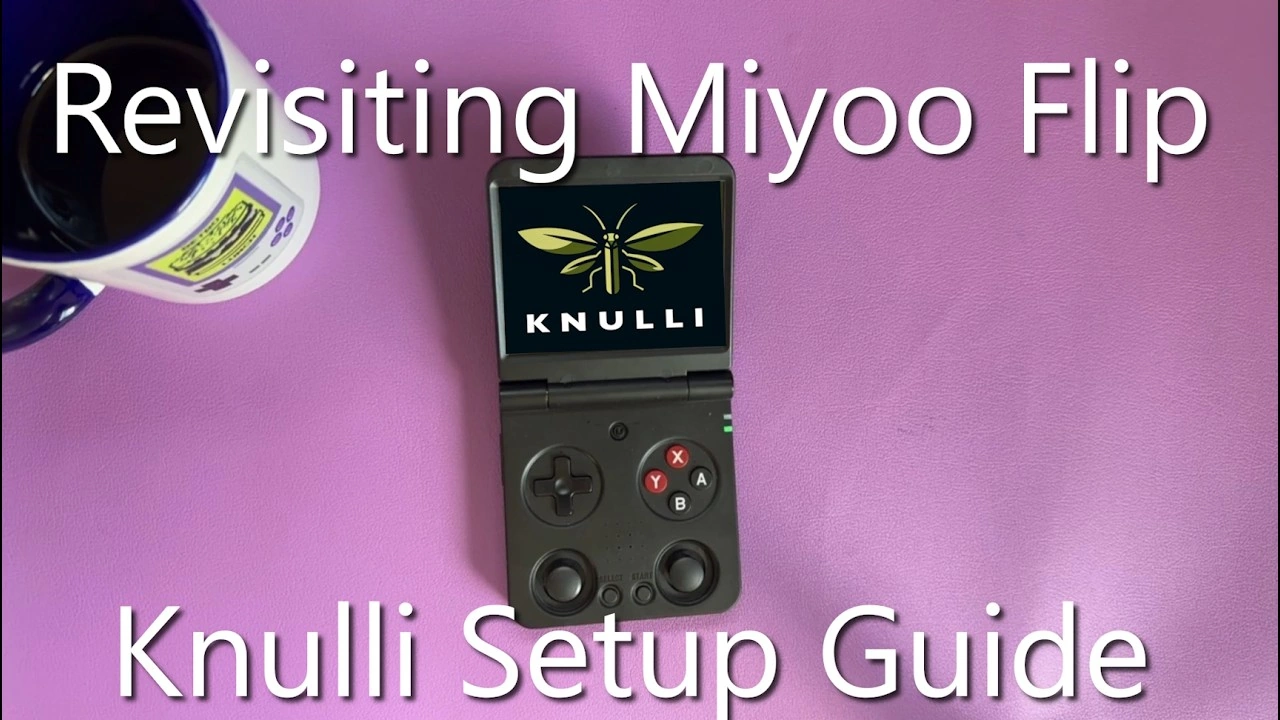
The Miyoo Flip has become one of the most popular budget retro handhelds thanks to its clamshell design and solid emulation performance. But if you want to unlock its full potential, Knulli custom firmware — a modified version of Batocera optimized for handheld devices — is the way to go. Developed by acmeplus, Knulli brings improved performance, better emulator support, and a more polished user experience to the Miyoo Flip.
This guide will walk you through the complete installation process, from downloading GammaLoader to flashing Knulli to your SD card. We'll also cover how to unbrick your device if something goes wrong, and how to support the developer to get access to the latest alpha builds.
⚠️ Important Warning
Installing custom firmware carries risks and could potentially brick your device. While the process is generally safe if followed correctly, there's always a chance something could go wrong. Make sure you understand the risks before proceeding, and keep your stock firmware backed up. This guide includes unbrick instructions, but proceed at your own risk.
What You'll Need
- Miyoo Flip handheld console
- One microSD card (you'll reuse it for both steps)
- SD card reader for your PC
- Windows, Mac, or Linux computer
- GammaLoader for Miyoo Flip (download link below)
- Knulli firmware image (access via Ko-Fi or public release)
- Balena Etcher or similar flashing software
- 7-Zip or similar extraction tool (for extracting compressed files) - Download 7-Zip
Step 1: Download GammaLoader for Miyoo Flip
GammaLoader is the bootloader that allows you to dual-boot between stock firmware and custom firmware like Knulli. It's essential for safely running Knulli on the Miyoo Flip.
Download GammaLoader here: GammaOSCore Releases on GitHub
Look for the latest release that includes "GammaLoaderMiyooFlip.zip" in the assets. Download the zip file to your computer.
You'll need 7-Zip or a similar extraction tool to open the archive. If you don't have 7-Zip installed, you can download it here: 7-zip.org
Step 2: Install GammaLoader on Your Miyoo Flip
Once you have GammaLoader downloaded, follow these steps to install it:
- Format a microSD card as FAT32.
- Extract the contents of GammaLoaderMiyooFlip.zip to the root of the SD card (not inside a folder).
- Insert the SD card into the left SD card slot on the Miyoo Flip (the slot next to the volume buttons).
- Power on your Miyoo Flip. GammaLoader will install automatically when the device boots.
- Wait for the installation to complete. The device will confirm when GammaLoader is successfully installed.
- Power off the device and remove the SD card.
GammaLoader is now installed on your device's internal storage. You can erase the SD card and reuse it for Knulli in the next step.
If something goes wrong: In the rare case that GammaLoader installation fails and completely bricks your device, see the Method 3: Hardware Unbrick section below for recovery instructions using maskrom mode. The process requires opening the device but will recover even a completely bricked Miyoo Flip.
Step 3: Get Knulli Firmware
Knulli for the Miyoo Flip is currently in active development. There are two ways to get access:
Option 1: Support acmeplus on Ko-Fi (Alpha Builds)
The developer, acmeplus, offers early access to alpha and beta builds of Knulli for supporters on Ko-Fi. By donating, you not only get access to the latest builds before they go public, but you also help fund the development of Knulli and purchase hardware needed for testing new devices.
Support acmeplus here: acmeplus on Ko-Fi
Once you've donated, you'll get access to the #alpha-testing-builds channel on the Knulli Discord server, where you can download the latest firmware images for the Miyoo Flip and other supported devices.
Option 2: Wait for Public Release
If you prefer to wait, Knulli builds will eventually be released publicly on the official GitHub repository once they're stable. You can check for public releases here:
Knulli GitHub Releases: knulli-cfw/distribution releases
Step 4: Join the Knulli Discord Server
Whether you're supporting development or just want help with setup, the Knulli Discord is an essential resource. The community is active, helpful, and full of users running Knulli on a wide variety of devices.
Join the Knulli Discord here: discord.com/invite/HXPS3DAeeB
If you've supported acmeplus on Ko-Fi, you'll be able to access the #alpha-testing-builds channel where new Miyoo Flip builds are shared. Make sure to link your Ko-Fi account to Discord to get access.
Step 5: Flash Knulli to Your SD Card
Now that GammaLoader is installed, you can reuse the same SD card for Knulli. Once you have the Knulli firmware image file (usually a .img.gz or .img file), you'll need to flash it to your microSD card.
- Download and install Balena Etcher (or another SD card flashing tool).
- Insert your microSD card into your computer. All data on this card will be erased (the GammaLoader files are no longer needed since it's now installed on the device).
- Open Balena Etcher.
- Click "Flash from file" and select your Knulli firmware image.
- Click "Select target" and choose your microSD card.
- Click "Flash!" and wait for the process to complete. This may take several minutes.
- Once flashing is complete, safely eject the SD card from your computer.
Step 6: Boot Knulli on Your Miyoo Flip
Now that you have GammaLoader installed and Knulli flashed to your SD card, you're ready to boot into Knulli.
- Insert the Knulli SD card into the right SD card slot on the Miyoo Flip (the game card slot).
- Power on the device. GammaLoader will detect the Knulli SD card and boot into it automatically.
- Knulli will boot for the first time and perform initial setup. This may take a few minutes.
- Once booted, you'll see the Knulli main menu. You're all set!
Note: GammaLoader allows you to dual-boot between stock firmware (when no SD card is in the right slot) and Knulli (when the Knulli SD card is inserted in the right slot).
How to Unbrick Your Miyoo Flip
If something goes wrong during installation and your Miyoo Flip won't boot, don't panic. Here's how to recover:
Method 1: Use a Different SD Card
If your Knulli SD card is corrupted or causing issues, simply remove it and boot the device without any SD card. The device should boot to stock firmware. You can then try reflashing Knulli to a different or reformatted SD card.
Method 2: Restore Stock Firmware
- Download the official Miyoo Flip stock firmware from lomiyoo.com/pages/firmware.
- Extract the firmware files to a FAT32 formatted microSD card.
- Insert the card into the left SD card slot and power on the device.
- Follow the on-screen prompts to reinstall stock firmware.
Method 3: Hardware Unbrick (If GammaLoader Installation Fails)
If the GammaLoader installation goes wrong and completely bricks your device (won't power on or boot at all), you'll need to perform a hardware unbrick using maskrom mode. This is more advanced but will recover even a completely bricked device.
Full detailed instructions: Miyoo Flip Unbricking Guide
What you'll need:
- MiyooFlipUnbricker.zip (download from the guide above)
- USB-A to USB-C cable
- Phillips screwdriver
- Tweezers
- Windows computer (or Linux with xrock)
Quick overview of the process:
- Open the device by removing four screws from the back panel
- Disconnect the battery using tweezers (grip the connector, not the wires)
- Install the unbrick drivers on your computer
- Press and hold the maskrom button on the motherboard
- While holding, plug in USB-C cable to enter maskrom mode
- Use RKDevTool to flash the stock firmware back to the device
- Reconnect the battery and reassemble
This method will restore your device to stock firmware even if it's completely unresponsive. Follow the detailed guide linked above for step-by-step instructions with images.
💡 Pro Tip
Always keep a backup SD card with stock firmware ready to go. If anything goes wrong with Knulli or GammaLoader, you can quickly swap cards and get back to a working state while you troubleshoot.
What to Do After Installing Knulli
Once Knulli is up and running on your Miyoo Flip, here are a few next steps:
- Add your ROMs: Connect to your device via network or use an SD card reader to transfer game files to the appropriate folders.
- Configure settings: Adjust display settings, button mappings, and performance options in the Knulli settings menu.
- Install BIOS files: Some emulators (PS1, PS2, etc.) require BIOS files to function. Place these in the
/BIOS/folder. - Explore the community: Join the Knulli Discord to share tips, get help, and stay updated on new features and device support.
- Test performance: Try out different emulators and see what the Miyoo Flip can handle with Knulli's optimizations.
Watch the Video Guide
If you prefer a visual walkthrough, check out this video guide that covers the entire Knulli installation process on the Miyoo Flip:
Why Install Knulli on the Miyoo Flip?
Knulli offers several advantages over the stock Miyoo Flip firmware:
- Better emulator performance: Optimized cores and settings for smoother gameplay.
- Wider emulator support: Access to more systems and emulators not available in stock firmware.
- Improved UI: A cleaner, more customizable interface based on Batocera.
- Active development: Regular updates and improvements from acmeplus and the community.
- Dual-boot capability: Keep stock firmware available via GammaLoader if you ever need it.
- Community support: A dedicated Discord community ready to help with setup and troubleshooting.
Final Thoughts
Installing Knulli on the Miyoo Flip transforms the device from a solid budget handheld into a highly customizable emulation powerhouse. With GammaLoader providing safe dual-boot functionality and acmeplus actively developing and improving Knulli, it's one of the best custom firmware options available for the Miyoo Flip in 2026.
If you run into any issues, remember that the Knulli Discord community is incredibly helpful, and you can always fall back to stock firmware if needed. And if you appreciate the work that acmeplus is doing, consider supporting them on Ko-Fi — not only will you get early access to new builds, but you'll also be helping fund the continued development of Knulli for the Miyoo Flip and other devices.
Happy gaming!